Wednesday, January 23, 2013

Canon 1dc graded footage


When I saw on Twitter that Planet5d and Philip Bloom were both offering test footage to be downloaded to work with I knew I had to give it a try. A big thanks to both of you. :) I wanted to see how the 1dc footage looked and how well my computer could handle the 4k footage.

When opening the files, you'll notice the screen is covered from end to end with the massive 4k files. Next cause both files were shot in C-log its a very dull looking image with hardly any color. But that's a good thing. More on that later.

I was a little hesitate to press play, fearing my machine wouldn't have real time playback. After all, I'm still in the process of upgrading most of the parts. But, I press play and watched as my little i7 played the 4k footage in real time. :)
Even with all the problems I've had with Vegas 11, I wanted to see how Vegas would handle the 1DC. I know with this call I was just asking myself to throw the keyboard across the room. Haha!  I also have Adobe CS6, and it had no problem with real time play back

Opening Vegas and importing the clips, I knew there would be no Cuda Cores helping with the 4k load. Vegas doesn't support the new GTX cards.  I pressed play and there were a few skipped frames but nothing too bad. Using Looks 2 to grade the footage, I applied just a curves adjust, added contrast and color grading. With the curves adjustment the C-log started to really come to life. The colors were brought from a very dull looking image to a very stunning image.  C-log holds so much detail and is by far the nicest  profile I've graded. Skintones are very natural looking and the rest of the colors can be manipulate to your liking without falling apart. It would be great if C-log was Canon standard profile for everything from Cinema line all the way down to their Dslr's.

I'm really liking the 1DC image and the other choices you'll have with it. In 1080p mode, you have the option of shooting either full frame or s35. After playing with these clips, I'm really starting to look  at the Canon Cinema line of Cameras.  Hopefully I'll be renting one to fully test out myself, unless Canon has a loaner for a few days. ;) Doesn't hurt to dream right?
Links to Philip Bloom or planet5d footage can be found on Twitter or in the links to the
videos below.
Philip Bloom "1DC guy"

C-log


Planet5d clip 

graded

test footage Philp Bloom's clips 
http://vimeo.com/57988334

Planet5d clips
http://vimeo.com/57813365 

Friday, January 18, 2013

GoPro Hero2 Timelapse

Its been raining for the past 4 days here in Va and yesterday it snowed alittle. I grabbed my Hero2 and sat it on a tripod to see if I could catch the snow melting. I used 10 seconds between each shot and let the Hero2 go until the battery ran out. The Gopro ran for about 2 and half hours and got almost 1000 pics.
A quick download to Cineform and it processed all the pics into a timelapse. I converted the same clip twice, one using Cineform's Protune color profile. The second time I used Cineform's Candy Color. A quick run in Hitfilms to add music, Neumann Films "First Dawn".
Here's the two timelapses
 protune profile
http://youtu.be/uMcZpDhGGFU

 candycolor profile
http://youtu.be/npiAiMyhndQ

Tuesday, January 8, 2013

New Canon C camera rumor

Like most I got started shooting video on Canon DSLRs. It really is a  love/hate relationship with them. You'll get nice vibrate colors, shallow depth of field, easy to edit video but they are ridden with moire and aliasing. When Canon announced the new C line of cameras, I was hoping for a true cinema camera that has all the things we love from Canon, along with some much needed fixes. I mean, Canon still hasn't really fixed the 5d MarkII until recently with the 5d Mark III but with the trade off of really soft video.

We all know about Canon's line of C cameras and all their specs. Some love them, while others see overpriced cameras. All the C cameras share the same 8.3 mp cmos sensor but with each step down the line of C cameras, they get more and more crippled to keep the higher end models safe.

When the cheapest C camera, the C100, was announced I was really hoping it would come in around $3500 or so to compete with the Sony fs100 or even the 2.5k raw BlackMagic Cinema Camera. The BlackMagic Cinema Camera is priced at $3000 and comes with a free copy of  Resolve 9, which usually goes for a grand by itself.  The C100 is priced at $6500 but they missed the mark big time. At this price Canon is going up against the Sony fs700 and its high frame rates and upgradeable to 4k later. The C100 will only do 24mps at a 4,2,0- 8 bit color space and no 60p or higher frame rates. To get a 4,2,2  8 bit color space you'll have to shell out even more for a recorder and ssd drives. At $6500 it seems like Canon would of given us 4,2,2 and at least 60p.

Now, on to the rumors of a new budget C camera floating around I would like to say what I want for such a camera.  First off, I would like the same sensor used in all the other C cameras. The body could be like the other C cameras or even a DSLR.  Next would be a "true" 1080p image with a option of the all I-frame codec found in the 5d MarkIII.. Since this will be a budget camera, it should have clean hdmi out to use a recorder. I'm not expecting 422 in camera since the c100 doesn't even do this. Next would be to have the Canon log and wide dr modes as color profiles. Wishful thinking would have a 4:3 mode for anamorphic shooting but its very unlikely that would happen.

There are a few things I could live without to keep cost down, like the built in ND filters. Most DPs already have bags full of filters including NDs whether screw on or mattebox 4x4's. Also XLR inputs, coming from DSLR shooting like countless others we own Juicelinks or Beachtek adapters with XRL inputs.Would it be nice to have a few less things in the camera bag? Yes and I'm not even sure leaving these things out would really save that much, but to me they are not that big of a deal.  To me a true budget C camera needs to come stripped down with only the image being the most important thing. The price tag should come in around $3000 to maybe $3500 to get my hard earned money.

At this point in the camera market, companies are coming out with higher resolution and higher frame rates for less money than Canon is asking for. Take the little GoPro Hero 3. It shoots at 2.7k at 24fps and even 4k at 12fps all for $400. The BMCC gives a really nice strong image at 2.5k raw. Did I mention in 12bit raw?!!!! For half the cost of the C100. Also the Panasonic GH3, costing just $1200, gives a  few different recording options including an all i-frame 72mbps, 50mbps ipb and 1080p at 60p. The GH3 also gives the option of slomotion in camera without the need to convert in post.   

I haven't shot on any of the C Cameras but I have graded some C100 footage and I must say the footage can pushed a lot while color correcting in post. From the footage I've played around with it, seems like it is really good in low light.

I do like the C100 but do I really think its worth the price Canon is asking for? Kinda..... For the price you get a  nice compact body that is great in low light but with the image only a little better then the DSLRs. I  really hope Canon is listening to its customers, to the DPs with huge budgets and to the indie DPs looking for the most bang for their buck. I hope we do see a stripped down budget C camera.

Monday, December 31, 2012

Graded Canon c100 footage

First off ,I would like to thank Neumannfilms for making his footage of the c100 available to download.  The footage can be found here:  http://www.neumannfilms.net/canon-c100-review/

I won't go much into the specs of the Canon C100 in this post. All that will go into my next post on what I would like to see in the rumored new budget Cinema camera from Canon.

After grading the footage from the C100, I got to see just how it handled. It handles pretty good, but the C100 has a price tag of $6500 and to get the most of the camera in 8bit 4,2,2 you'll need either a Blackmagic Design Hyperdeck Shuttle 2 SSD video recorder for around $328 plus SSD drives or an Atomos Ninja video recorder for just under a grand plus the SSD drives. Now you're looking at a price tag between $7000 to $8000 for a recorder and SSD's. For a price of $6500 I would like to see at least 8bit 4,2,2 in camera.

Grading the C100 footage straight from the camera I noticed when adjusting the curves to get some detail back instead of rising the mids I was dropping the mids a lot just to get some of the highlights and shadows back in the picture.  Another thing I noticed was skintones were alittle harder to get. The Vectorscopes were spread throughout and to find the "skintone" line took some time to get an even line on the scopes without it being spread throughout.

I will say the colors of the C100 look very good. The image is a step up from Canon DSLRs with a little better DR but nothing that just screams miles ahead better.  I was really impressed with the low light abilities, a few of the shots were at high iso's, one at 10,000 and one at 20,000. There is some noise but nothing a pass in a noise reduction program can't take care of. I thought the anamorphic file looked the best. After cropping and grading it looks the most cinematic.

 Test footage
http://vimeo.com/56536600 


Still grabs from the test video all are straight from the camera


Saturday, December 29, 2012

pk films logo

I decided to mess around in Hitfilms today to see what I could come up with for a logo. I wanted to keep it simple but with some elements I like :) When I have more time to really dig into Hitfilms I will make it 3d animated. Thanks for looking.

Link to the logo
http://vimeo.com/56480139 

Monday, December 3, 2012

Kiron 28mm f2

I was looking for a lens around the 25mm range faster then f2.8 for my gh2 and Canon DSLR's.I went to KEH camera and started to look around the site and I found a Kiron 28mm f2 in excellent condition in Olympus mount for under a 100 dollars. The lens came quick and I tried it out and notice the aperture wasn't stopping down it was stuck wide open. I called KEH to see if maybe they had another Kiron in stock to exchange. They didn't but offered to charge me for a lower condition lens which was really nice of them. 

I went outside with my t3i and the Kiron lens. After taking a few pics, I wasn't mad at all that the lens wasn't stopping down. The bokeh the lens produce is really dreamy and even if it did  stop down, the lens would stay at f2. One of the biggest features of this lens besides the bokeh is the ability to focus down to right around just under a foot, making this lens a nice macro lens. I'll be using this lens mainly for close up shots because of its ability to focus so close and the bokeh . For the video side of things the Kiron has a nice focus throw for use with a follow focus. I tested the lens for video with my Gh2 and here is the quick test I did. 
Overall I'm very impressed with this little lens. Its fast aperture and close focus makes this lens a great buy. I'll be using this lens a good bit for both pics and video.
Test video Gh2

pics using the t3i


blurry pic but the kitties were fighting over camera time haha

Monday, November 26, 2012

Cineplus lightform Cinema

I use the Flaat profiles when I do shoot on my Canon dslr's for the added dynamic range it gives. Plus I like how easy it is to grade and the nice skin tones the Flaat profiles produce.
I started to look for a color profile that doesn't need grading, for the times I need a quick turn around or for someone that doesn't want the footage to be graded. I found Cineplus lightform picture profile. For a 19 dollar donation you'll get Lightform C, Lightform N, and Cinema picture profile. You can find the profiles here.
http://www.cineplus.ch/
From Cineplus website. "Relight enhanced dynamic range"
"Reskin perfect skin tones out of the box"
"Regrade grading ready headroom"
Lightform comes in 2 profiles. Lightform n "with neutral untouched colors, for those who want full control of the image in post production. Lightform n is suppose to have better highlights, skintones"
Lightform Cinema "with an enhanced version of the highly sucessful look of cineplus cinema picture style. More filmoc overall tones."
Both Lightform n and Lightform cinema can be graded and you can push the curves with out destroying the highlights. It is recommended to use these settings. Sharpness at 3, contrast at -4, saturation at -1 and skintones at +1. But if you want more of a balanced finished look set contrast at 0.
I loaded the Cineplus Lightform cinema profile on to my t2i. I already have Flaat 10n and Flaat 10p loaded. So I decided to see how it looked compared to them and Canon's standard profile. I set lightform Cinema at the recommened settings but I left contrast at 0 to see how good the image would look without any grading.
t2i Smallhd dp4 Glidetrack slider

This is the test footage
 http://youtu.be/eEhCX8mSqbg

When I was editing the clips the Flaat profiles were brighter and the colors more vivid. The Cineplus Lightform Cinema images looked flat and the colors were dull without doing any grading. The skintone shot looked like there was no saturation at all.
I went back to the edit and wanted to see how Cineplus would fair with a quick grade. I adjust the curves and added a little contrast. The images got a lot better with the colors coming to life.
With my first test with Cineplus I have to say you need to grade to get a nice image. I was hoping this profile would give a good image out of the box for quick turn arounds. But a quick grade does give a nice image and the time it took to grade isn't bad at all. On the vector scopes skintones were at the skin line just needed curve adjustments to really get the colors.
I'm going to shoot more with Cineplus with the contrast set at -4 to see how it grades. Now that I have my t3i back from repairs I will add Cineplus Lightform N also to see how it grades.
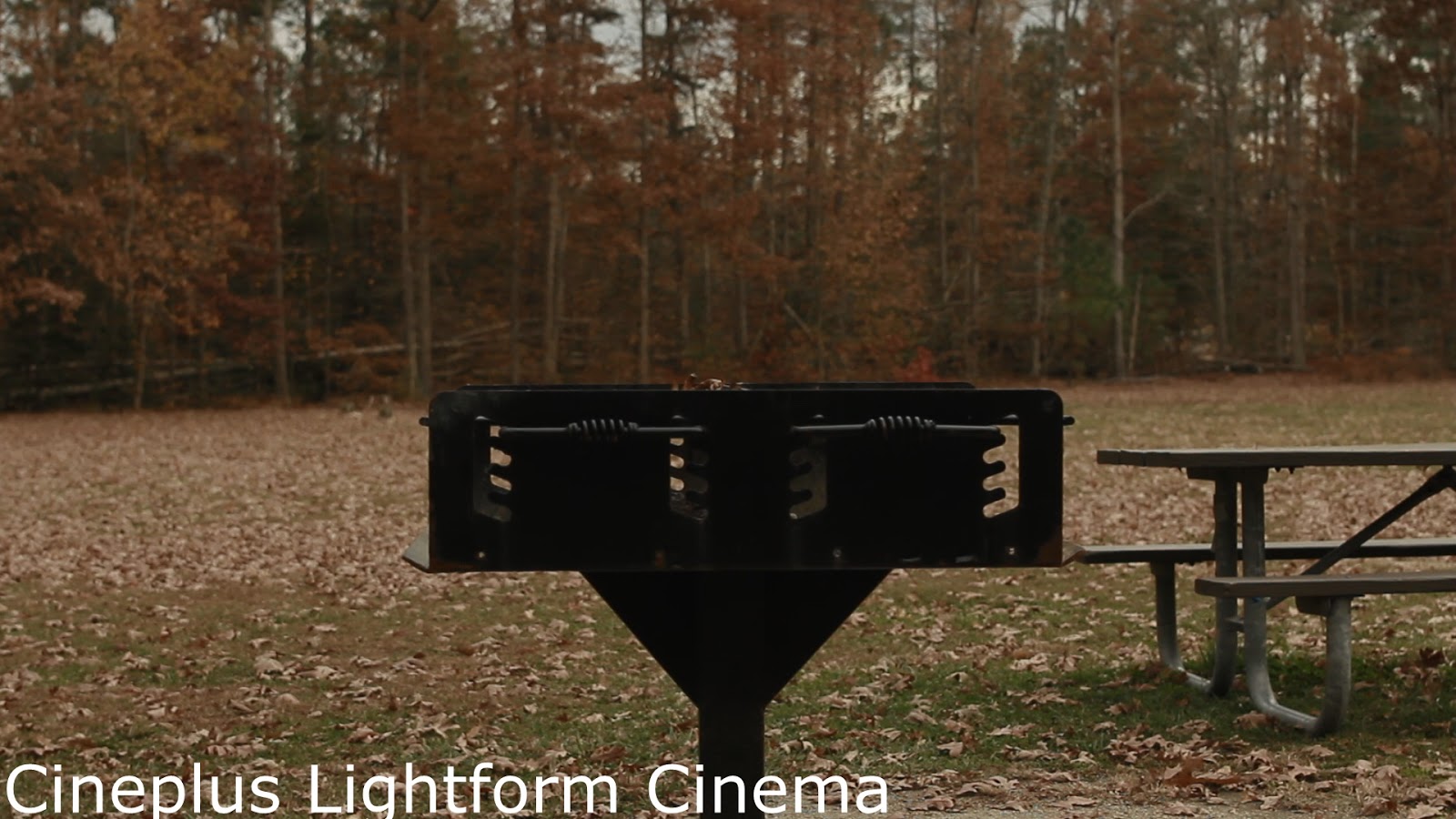
Here are some grabs from Cineplus Lightform Cinema with and without grading.
graded
graded
graded
Add caption


graded